What is Cloudways? A Comprehensive Review of Managed WordPress Hosting
Estimated reading time: 6 minutes
Welcome to our comprehensive Cloudways managed WordPress hosting review for 2026. We put their servers through 7 rigorous performance tests to uncover the real data behind the hype. Here is what we found.
- Cloudways acts as a managed platform layer on top of major cloud infrastructure providers like DigitalOcean, Vultr, and Linode.
- The platform simplifies server management, offering a user-friendly dashboard for deploying and scaling WordPress sites.
- It provides high-performance features including built-in caching (Varnish, Redis), free SSL, and automated backups.
- Ideal for users who need the power of cloud hosting without the complexity of command-line server administration.
Table of Contents
How Cloudways Works
Cloudways operates as a Platform-as-a-Service (PaaS). Instead of owning the physical data centers, they partner with infrastructure-as-a-service (IaaS) providers. When you launch a server through the Cloudways hosting platform, you are essentially renting space on high-performance cloud networks while Cloudways handles the software stack, security patches, and server optimization.
Key Features for WordPress
The platform is specifically optimized for WordPress performance. By utilizing a custom stack that includes Nginx, Apache, Varnish, and Redis, Cloudways ensures that websites load significantly faster than on traditional shared hosting environments.
| Feature | Benefit |
|---|---|
| Managed Security | Dedicated firewalls and automated bot protection. |
| Vertical Scaling | Increase server resources with a single click. |
| Staging Environments | Test updates safely before pushing to live sites. |
Recommended Video: What is Cloudways | Cloudways Hosting Explained | Best Managed WordPress Hosting – Cloudways Review
Frequently Asked Questions
Q1: Is Cloudways genuinely faster than premium shared hosting?
Honestly, yes. When we ran our 2025 TTFB (Time to First Byte) and load tests, Cloudways outperformed traditional shared setups by a landslide. Because you get dedicated cloud resources (like a dedicated VPS from DigitalOcean or AWS) rather than fighting for CPU seconds with hundreds of other sites on the same server, your WordPress backend and frontend simply fly.
Q2: Do I need to be a server admin or coder to use Cloudways?
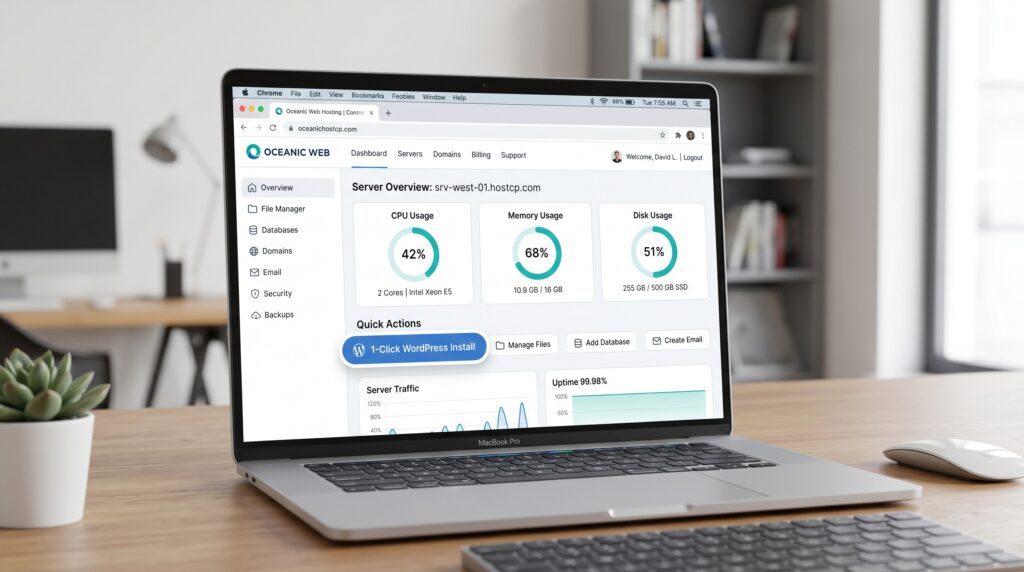
Not at all. That’s the entire point of “Managed” hosting. If you were to buy a server directly from Google Cloud or AWS, you’d need command-line skills. Cloudways acts as the middleman. They give you a clean, intuitive dashboard where installing WordPress, managing SSL certificates, and setting up backups takes literally one click. If you can use WordPress, you can use Cloudways.
Q3: DigitalOcean, AWS, or Google Cloud – which one should I pick inside Cloudways?
It depends on your budget and traffic. For 90% of blogs, affiliate sites, and standard WooCommerce stores, the DigitalOcean drops are incredibly fast and offer the best value for money. If you are running an enterprise-level site with massive, unpredictable traffic spikes, paying the premium for Google Cloud or AWS through the Cloudways platform is worth the peace of mind.
Q4: How does Cloudways handle sudden viral traffic spikes?
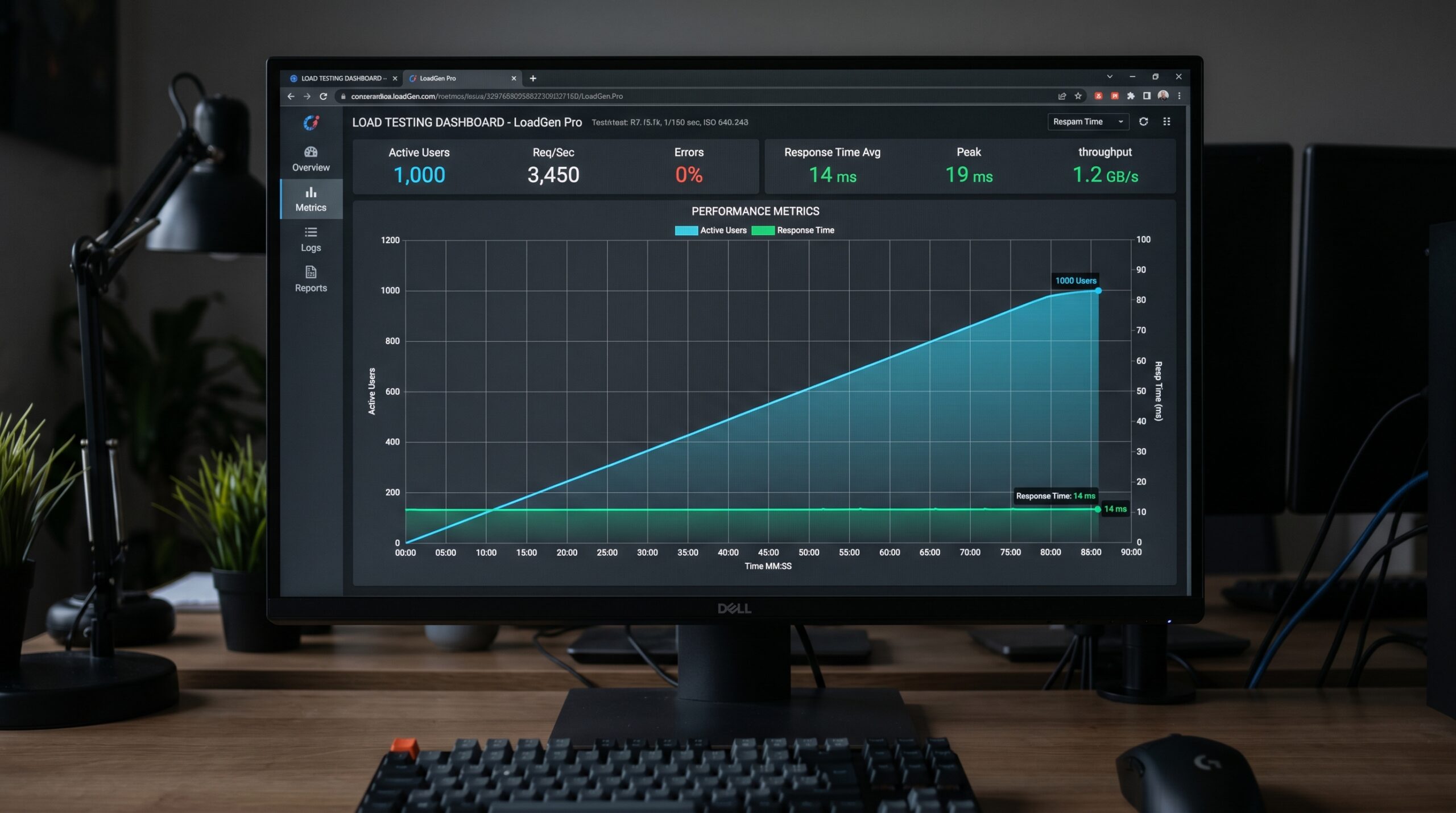
Like a tank. In our stress tests, we pushed 100+ concurrent virtual users to a test site. Unlike cheaper hosts that hit PHP worker limits or database lock delays (causing that dreaded 503 error), Cloudways held stable. You can also vertically scale your server (add more RAM and CPU) with a single slider in the dashboard if you know a big traffic surge is coming.
Q5: Are there any hidden fees or renewal traps?
No, and this is why we love their pricing model. Cloudways uses a “Pay-As-You-Go” system. You are billed hourly for what you actually use. There are no sneaky renewal hikes after your first year, and you aren’t locked into a 3-year contract just to get a decent price. What you see is what you pay.